RGB Color Swapper
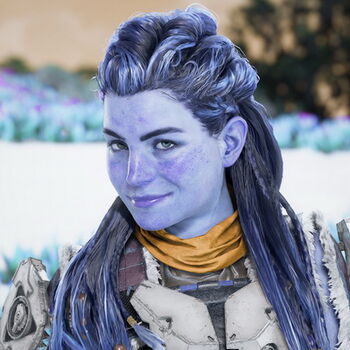
When you try to take high-resolution screenshots in some video games using the NVIDIA app, the color channels sometimes get swapped. This is a bug, and there are various ways to fix it. None of them really worked for me, or they caused other side effects.
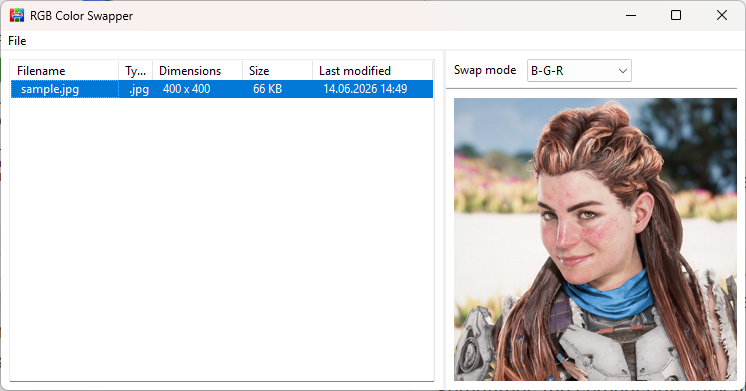
That’s why I created this little tool. Simply drag and drop the images affected by incorrect colors into the main window, select the correct correction option, and save the image again.
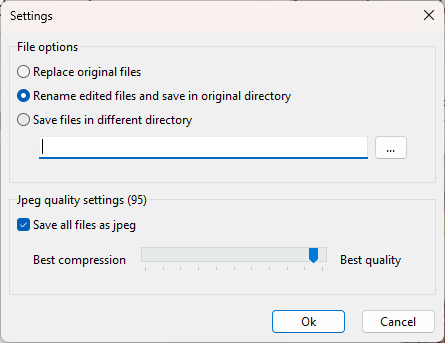
For a single image, you’ll see a "Save As" dialog. For multiple files, you can specify how the edited files should be saved. This also allows for quick correction of multiple screenshots.
Just download, unzip, run the exe, and you’re done.
System Requirements
Windows 10 or Windows 11.


Screenshots